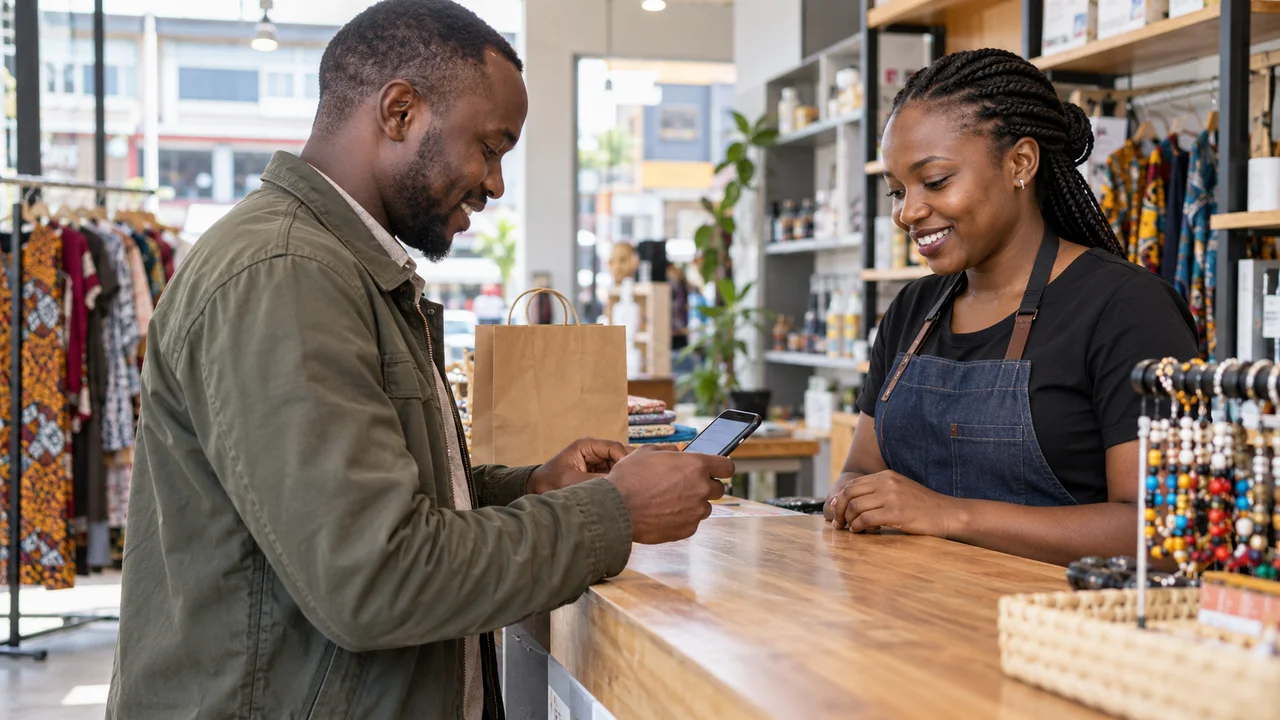
STK push is the prompt that appears on a customer's phone asking them to enter their M-Pesa PIN. It feels simple to the buyer, but a lot happens behind it, and that is exactly where weak integrations fail.
What happens when a customer pays
Your store sends a request to Safaricom's Daraja API with the amount and the customer's phone number. Safaricom pushes a PIN prompt to that phone. When the customer confirms, Safaricom processes the payment and sends the result back to your store through a callback URL.
The order should only be marked paid when that callback confirms success, not when the prompt is sent. This is the single most common mistake we see: stores that assume payment happened because the prompt appeared.
Why transactions get lost
Callbacks arrive asynchronously, sometimes seconds later, sometimes after a retry. If your store has no reliable callback handler, or the callback URL is not publicly reachable, the money leaves the customer's account but the order never updates. The customer is charged and sees nothing.
A production-grade integration reconciles every transaction: it records the checkout request, waits for the callback, and also queries Safaricom directly for any transaction that has not resolved. Nothing is left to chance.
What a reliable checkout needs
Get these right and M-Pesa checkout becomes the smoothest part of the buying experience. Setting it up for the first time? Start with how to set up M-Pesa on your website.
- A publicly reachable HTTPS callback endpoint.
- Idempotent handling, so a repeated callback does not double-count an order.
- A status query fallback for payments that never report back.
- Clear customer messaging while the payment settles.
Questions people ask
Do I need a paybill or a till number for STK push?
Either works. STK push runs through Safaricom's Daraja API against your business shortcode, which can be a paybill or a Buy Goods till.
Why was a customer charged but the order still shows unpaid?
Almost always the callback did not reach your store or was not processed. A reconciliation job that queries Safaricom for unresolved payments fixes this without manual checking.
Can the same M-Pesa setup work for my shop counter?
Yes. Our POS systems record M-Pesa references at the till and block a code from being used twice, so the shop and the website reconcile the same way.

Written by
Founder and lead developer at Ken Designers, the Nairobi studio behind websites, online stores, apps and POS systems for 300+ businesses. Best Software Developer of the Year 2026 (Digitally Fit Awards by KEOnline).
Ask Ken on WhatsApp