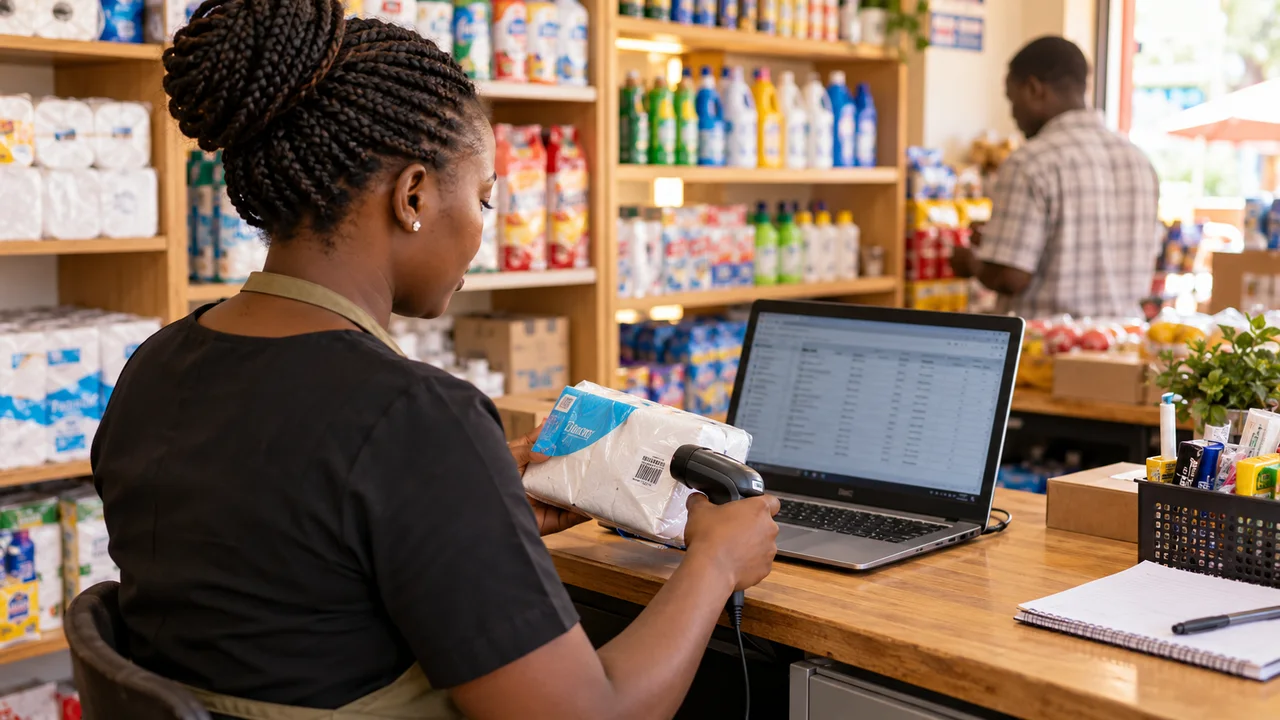
An online store is a selling and fulfilment workflow, not just a collection of product pages. A useful ecommerce budget includes catalogue preparation, checkout, payment verification, delivery rules and the staff tools used after an order arrives. Compare those responsibilities before deciding which Kenyan store quotation is affordable.
Interpret advertised store prices carefully
As a public example checked on 3 October 2026, NairobiSites advertises ecommerce development from KES 180,000. That is one vendor's starting offer, not a Kenyan market average or a Ken Designers quotation. Confirm what its current package includes and whether catalogue preparation, integration work and ongoing costs are additional.
A quote for a small enquiry catalogue cannot be compared directly with a store taking payments, calculating delivery and synchronising stock. Explain whether customers purchase immediately, request wholesale prices or contact staff before ordering. If your business currently sells through WhatsApp, decide which parts of that process should remain manual and which should move into the store.
Prepare the catalogue before estimating the build
Count products and variants, then inspect the source information. A single shoe model sold in several sizes needs a different stock representation from one fixed product. Wholesale packs may require rules for pack quantity and size allocation. Identify the product codes, prices, availability, dimensions and photographs that staff can verify.
Agree who enters and checks the data. Importing a spreadsheet is only useful when its fields and units are consistent. Ask for a sample product-page approval before uploading the full catalogue. Use our product-page checklist to identify information customers need before buying. Do not invent stock quantities to make an incomplete import look finished.
Separate build costs from operating costs
WooCommerce describes its core platform as free, with hosting, extensions and payment processing as separate cost considerations. A hosted platform or custom application has a different model. Request an itemised estimate for the proposed setup rather than assuming a familiar platform name means the store is cheap to run.
| Cost area | What to clarify |
|---|---|
| Build | Templates, checkout rules, administration and testing |
| Catalogue | Data cleaning, product entry, variants and photography |
| Platform and hosting | Plan, capacity, billing currency and renewal |
| Payments | Provider charges and integration maintenance |
| Delivery | Zones, fulfilment workflow and any provider integration |
| Support | Updates, backups, training and change requests |
Price payment integration as a complete workflow
Safaricom Daraja provides APIs used to integrate M-PESA into web and mobile applications. That does not mean every checkout plugin or merchant account is ready for your required flow. Confirm the provider, account setup, permissions and production requirements before treating a payment integration as included and operational.
Ask how an order changes state after a confirmed payment, a failure or a delayed response. Staff need a reliable way to reconcile the order against provider records. Demonstrate duplicate attempts and mismatched amounts with test data, then agree the permitted production verification before launch. The quoted scope should say who investigates payment discrepancies and whether refunds are manual or integrated.
Make delivery and stock rules visible
Specify delivery areas, collection options and what happens outside the normal service zone. Customers should understand charges or quotation requirements before paying. If rates are not yet final, do not allow a checkout to imply a delivery promise the team cannot fulfil. Identify who will update the rules when operations change.
For a business selling in a physical shop as well, decide which system holds authoritative stock. A periodic manual update and a real-time connection are different scopes with different limitations. Demonstrate an unavailable item, a cancelled order and a return. Agree how stock is reserved or adjusted and who is notified when an order cannot be fulfilled.
Test the store from the customer and staff sides
Use a phone to find a product, select a variant, see delivery information and complete the intended ordering flow. Then have staff process the same order, reconcile payment and record fulfilment. Include an invalid input and a failed payment. A working product page does not demonstrate that the shop can operate end to end.
Discuss backups, updates and payment-related security responsibilities. WooCommerce's security guidance distinguishes payment gateway approaches and their implications. Confirm requirements with the chosen provider; do not assume every payment method has identical obligations. Avoid storing information your team does not need to fulfil orders.
Choose a first release your team can run
For a hypothetical Nairobi retailer, a verified catalogue with clear delivery and a manageable ordering workflow may be a better first release than loyalty schemes and complex automation. That recommendation depends on actual staff capacity and customer needs. Write down the manual steps that remain so they are not forgotten after launch.
Use the store checklist below to request a quotation with your products, variants, delivery areas and payment requirements. Review our ecommerce development service and store projects for relevant examples. Share what is already prepared and what needs help; that makes the scope and budget discussion much more accurate.
Questions people ask
Is WooCommerce free to operate?
The core software is free, but hosting, development, selected extensions, payment processing and maintenance may carry costs. Request a budget for the actual configuration.
Does an ecommerce quote include product photography?
Only if the proposal says so. Clarify the number of products, required shots, image rights, editing and who supplies accurate product details.
Can I start with enquiries instead of online payments?
Yes, if customers understand the ordering process and staff can handle it. Label the flow clearly and plan payment integration as a separate verified step when required.
Put this guide to work
Download a practical template, fill in your requirements and bring it to your project conversation.
- Online store scope and launch checklist ↓
Catalogue, payment, delivery and order tests to include in your store quotation.
- Website and software project brief ↓
A fill-in template for your goals, workflows, budget, ownership and launch checks. No signup required.
Sources and research notes
Sources checked 3 October 2026. Recommendations and labelled scenarios are editorial guidance. Provider prices and capabilities can change; confirm them before purchasing.
- NairobiSites: published service pricing
This vendor's advertised starting prices, checked 3 October 2026; not a market average or a Ken Designers quotation.
- WooCommerce: pricing and ownership costs
The core platform is free; hosting, extensions and payment processing can carry costs.
- Safaricom: Daraja developer portal
Daraja provides Safaricom and M-PESA APIs for web and mobile integrations; specific setup must be checked with the provider.
- WooCommerce: site and data security FAQ
Payment gateway designs have different security considerations and provider requirements.

About this guide
AI-assisted research and original buyer checklists from the studio. Official documentation is linked above; examples are illustrative and do not describe verified client outcomes.
Ask Ken on WhatsApp