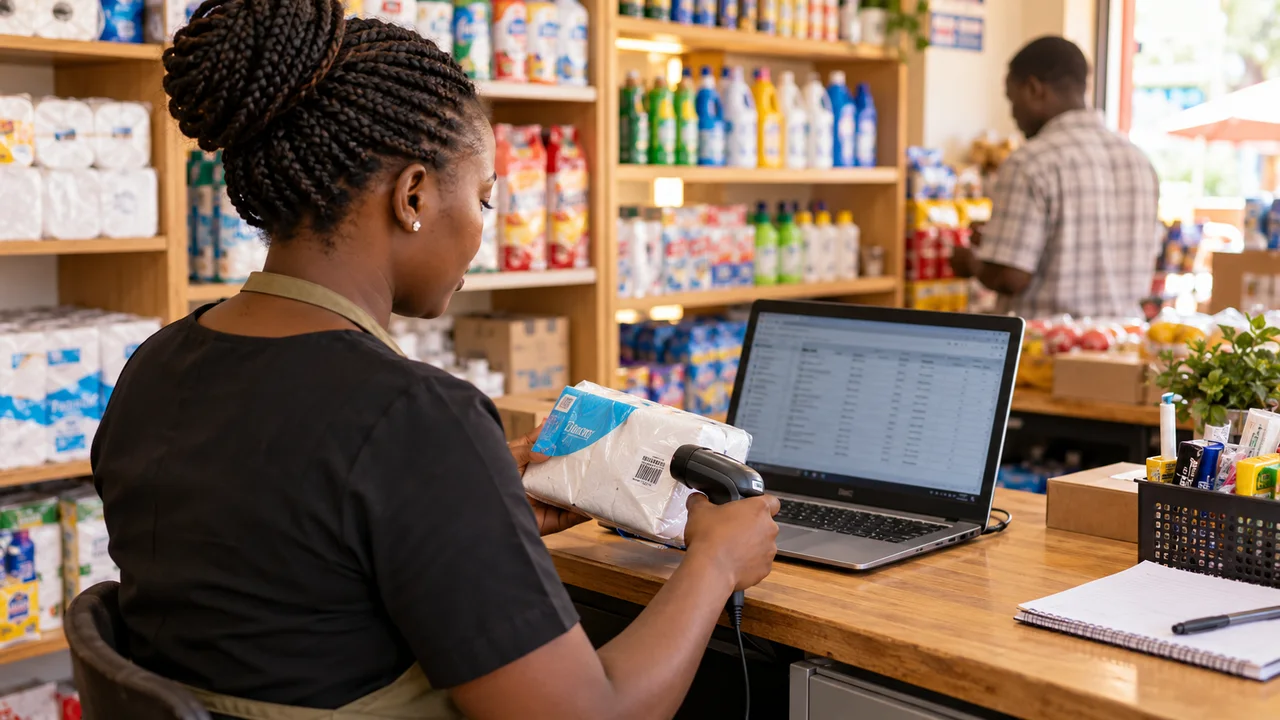
Connecting a POS to an online store requires more than copying product quantities. Decide which system owns the stock record, when each sale reserves or removes units, and what happens during returns or an internet outage. Test simultaneous sales and recovery before calling the integration reliable.
Match products and variants before integrating
Create one stable identifier for every sellable item or variation. A shirt in blue, size medium, should not be confused with another size just because the displayed name is similar. Define barcode, SKU, unit, pack and location relationships. Import a representative sample and compare both systems before the full catalogue.
Avoid merging records solely on product titles, which staff may edit. Decide how discontinued items, duplicate barcodes and pack conversions are handled. A carton received into the warehouse may become individual units at the till. The conversion must be recorded once through an agreed operation rather than added independently to both quantities.
Separate available, reserved and damaged stock
Agree whether an unpaid online order reserves units, how long the reservation lasts and which event releases it. A payment timeout should not permanently lock stock. A late payment needs a review rule if the reservation has expired and the last unit has already sold elsewhere.
Returned goods may be sellable, damaged or awaiting inspection. Automatically returning every refund to sellable stock can create orders the warehouse cannot fulfil. Record stock status as well as payment status. WooCommerce documents product stock settings, but cross-channel reservations and return handling still need an implementation-specific design.
Test conflicts instead of only normal sales
Use these checks to compare proposals against your real workflow. Mark each requirement as included, optional or excluded, and record the person responsible.
| Scenario | Evidence of correct handling |
|---|---|
| Website and till sell the last unit | Defined winner or rejection/review rule; no unexplained negative stock |
| Same update delivered twice | Movement is applied once, with a traceable event reference |
| Till sells offline | Local record retained; reconnect reconciliation is documented |
| Order cancelled before payment | Reservation released under the agreed rule |
| Damaged return | Inspection state prevents accidental resale |
| Branch transfer | Units are not simultaneously available at both locations |
Agree behaviour when the network fails
An offline till can continue recording sales locally, but the public store may not yet know those units have sold. Choose the acceptable risk: hold a stock buffer, temporarily disable uncertain items, or require staff confirmation for scarce stock. Explain the limitation to the business owner instead of promising perfect live synchronisation during disconnection.
On reconnect, the system should identify queued movements, apply each once and show any conflicts that need review. Ask for a demonstration that interrupts the connection during a sale and then reconnects. A screenshot of two matching quantities after a normal transaction does not prove recovery. Include printer, payment and receipt behaviour separately in the test.
Plan monitoring, ownership and support
Give staff an exception list showing failed updates and unresolved differences. Decide who investigates and how quickly a broken connection should be noticed. Keep useful event history without unnecessarily exposing customer or payment details. Integration credentials belong in the appropriate protected server configuration, not a public page or spreadsheet shared with every cashier.
Our Good Morning Baby Shop POS portfolio provides relevant POS context; it is not a promise that any external till is already compatible. Use the POS buying guide and send the POS team your system names, catalogue sample, branches and offline requirements. Ask for a scoped demonstration before approving a broad integration claim.
Questions people ask
Can any POS connect to WooCommerce?
Not automatically. Check supported APIs, data models, licences, account access and integration maintenance for the specific POS.
Can offline and online stock stay perfectly current?
A disconnected till cannot instantly communicate its sales to the website. Define buffers, restrictions or manual confirmation and a tested recovery process.
What should I demonstrate before signing off?
Simultaneous last-unit sales, duplicated updates, cancellations, returns, branch transfers and offline recovery, using the agreed expected outcomes.
Put this guide to work
Download a practical template, fill in your requirements and bring it to your project conversation.
- Buyer decision and acceptance worksheet ↓
Record your requirements, compare supplier answers and test the finished workflow. No signup required.
Sources and research notes
Sources checked 13 October 2026. Recommendations and labelled scenarios are editorial guidance. Provider prices and capabilities can change; confirm them before purchasing.
- WooCommerce: product and inventory settings
Stock settings, notifications and backorder choices; a separate POS integration must be specified and tested.
- ERPNext: data import
Template-based record imports and validation; importing records does not by itself validate an entire business migration.

About this guide
AI-assisted research and original buyer checklists from the studio. Official documentation is linked above; examples are illustrative and do not describe verified client outcomes.
Ask Ken on WhatsApp